



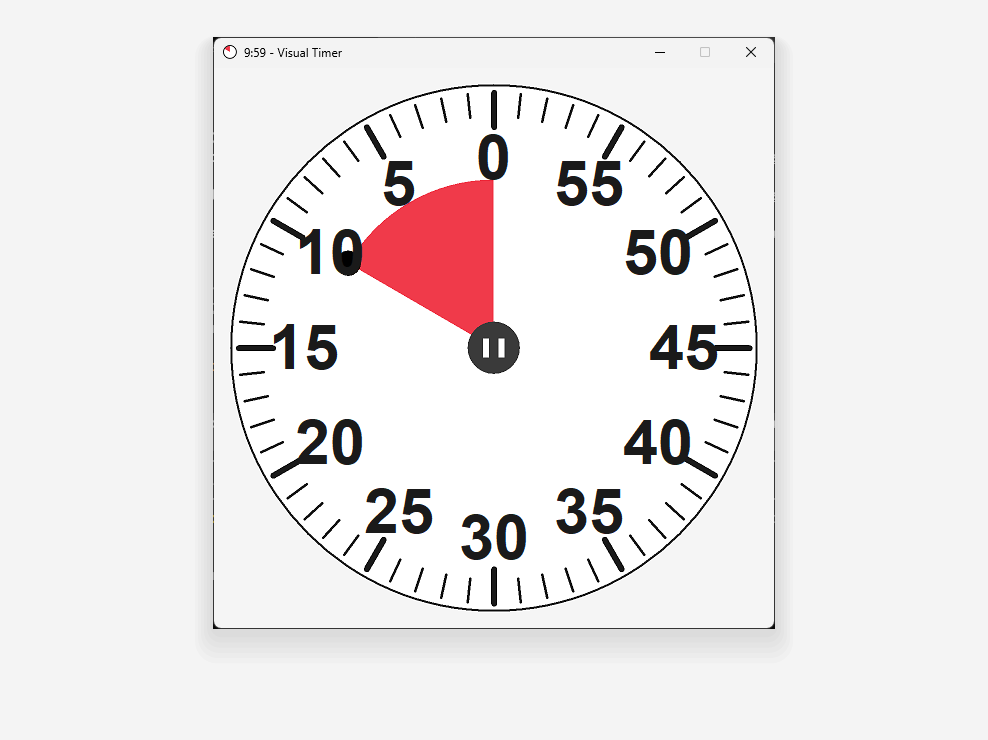
Set a Timer and See Remaining Time Visually — Great for Focusing and Tracking Task Budget at a Glance
Verify your download independently: the SHA-256 below identifies this exact file, and the VirusTotal report is public.
c5f30ed58addedbf21308252e62be4b09a5581a9fa190d5f0a36eddc9148fff1Visual Timer is released as freeware. You are free to use it at home or in your organization. You may not sell this software, bundle it into a paid product, or charge others for its use or distribution without permission from the author. You are welcome to distribute it freely — on the web, on physical media, or by any other means — provided you do not charge for it and the distribution package is complete and unmodified.
This software is provided "as is" without any warranty, expressed or implied, including but not limited to the implied warranties of merchantability and fitness for a particular purpose. The author shall not be liable for any special, incidental, consequential, or indirect damages arising from the use of this software, including loss of data.
Found a bug or have a suggestion? Email [email protected].